Troubleshooting · 18 Sept 2026 · Indexer Online Team
Why Google Is Not Indexing My Backlinks: 7 Reasons and Fixes
The seven most common reasons backlinks stay out of Google's index, how to diagnose each one and what actually helps.
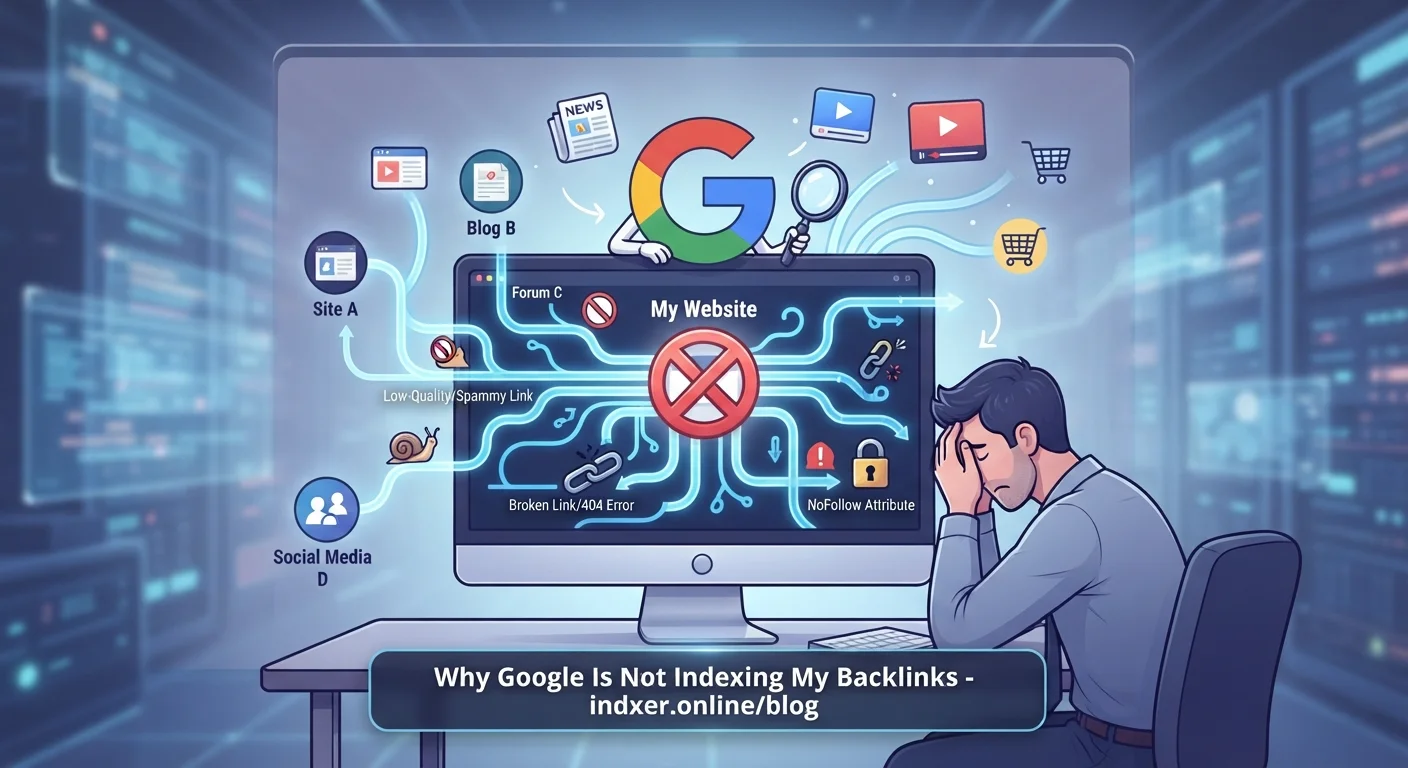
Your backlinks are live, you can open them in a browser, but Google still does not show them. This is one of the most common frustrations in link building — and in most cases there is a concrete, fixable reason.
Here are the seven reasons we see most often, how to diagnose each one, and what actually helps.
First: confirm the page really is not indexed
Before troubleshooting, check properly. Search Google for the exact URL, or use site:example.com/your-page. If nothing comes back, the page is not in the index. If it appears, the page is indexed and your problem is something else (for example the link being nofollow, or simply needing time to affect rankings).
1. The page has never been discovered
Google finds new pages by following links. A fresh guest post that is not linked from the site's homepage, category pages or sitemap can sit unnoticed for weeks.
How to tell: the page is new, has no internal links pointing to it, and the site does not publish often.
What helps: get the page linked from somewhere Google crawls regularly, or send the URL for crawling with an indexing service. This is the single most common case, and the easiest to solve.
2. A noindex tag is blocking it
A noindex meta tag or HTTP header tells search engines not to index the page at all. Free blogging platforms, some directory sites and staging environments add it more often than people expect.
How to tell: open the page source and search for noindex. Also check the response headers for X-Robots-Tag.
What helps: nothing, until the tag is removed. Ask the site owner or write off the placement. No submission tool can override it — and any tool that reports such a page as "indexed" is not checking properly.
3. robots.txt blocks crawling
If robots.txt disallows the path, Googlebot will not fetch the page.
How to tell: open example.com/robots.txt and look for a Disallow rule matching your URL.
What helps: only the site owner can change it. Note that a blocked URL can occasionally still appear in search results without content, but it is not a useful backlink.
4. The page is a duplicate or has a different canonical URL
If the page's canonical tag points to another URL, Google treats that other URL as the real one. Tag, category and paginated pages are often canonicalised to a main page. Many "link directories" also publish the same text on hundreds of pages, so Google keeps one and ignores the rest.
How to tell: look for <link rel="canonical"> in the page source and see whether it matches the URL you submitted. Copy a sentence from the page and search it in quotes — if dozens of sites have the same text, it is duplicate content.
What helps: submit the canonical URL instead, or choose placements with unique content.
5. The content is too thin to be worth indexing
Google crawls far more pages than it keeps. Pages with a couple of sentences, spun text or nothing but a link are routinely crawled and then dropped. In Search Console this shows up as "Crawled – currently not indexed".
How to tell: the page loads fine, has no blocking tags, but never appears in the index.
What helps: real content on the page. If you cannot change it, spend your budget on better placements. This is the reason no honest service can promise 100% indexing: the decision is about quality, not submission.
6. The URL returns an error, or redirects
404 and 410 pages cannot be indexed. Neither can a URL that redirects — Google indexes the destination instead. Server errors (5xx) during crawling also stop indexing, at least temporarily.
How to tell: check the HTTP status of the exact URL. Watch for links that were live at delivery and quietly removed later — a common problem with cheap link packages.
What helps: ask for a replacement link, or submit the final destination URL if the redirect is intentional.
7. The whole domain is a bad neighbourhood
Some domains are barely indexed at all: expired domains rebuilt as link farms, sites hacked and filled with spam, or networks that publish thousands of near-identical posts. Google limits how much it crawls and keeps from such sites.
How to tell: search site:example.com. If a site claiming thousands of pages has a handful indexed, that is your answer.
What helps: stop buying links there. Your own pages get nothing from a link on a page Google refuses to keep.
A quick diagnosis checklist
| Symptom | Likely cause | Fixable? |
|---|---|---|
| New page, no internal links | Not discovered yet | Yes — send it for crawling |
noindex in source | Blocked by the site | Only by the site owner |
| Blocked in robots.txt | Crawling not allowed | Only by the site owner |
| Canonical points elsewhere | Duplicate URL | Yes — submit the canonical |
| Very little unique text | Quality filter | Only by improving the page |
| 404 / 410 / redirect | Wrong or dead URL | Yes — get a replacement |
| Domain barely indexed | Low-quality site | No — change placements |
What does not help
- Submitting the same URL repeatedly. It does not add pressure; it just repeats a request Google already answered.
- Pinging services and mass ping tools. Google stopped using these signals years ago.
- Buying "guaranteed indexing". Nobody can guarantee what only Google decides. What a service can honestly promise is that your URLs are sent for crawling and that you get a clear, per-link report.
How we report it
When you run a campaign with Indexer Online, each link comes back as indexed or not indexed, and failures include the reason we received — for example a 404 or a noindex tag. That turns "my links are not indexing" into a specific list of pages to fix or replace.
See how it works, check the pricing, or read our guide on how to index backlinks fast.