Troubleshooting · 18 Sept 2026 · Indexer Online Team
Crawled – Currently Not Indexed: What It Means and How to Fix It
What the Search Console status really means, how it differs from "Discovered", and the fixes that work.
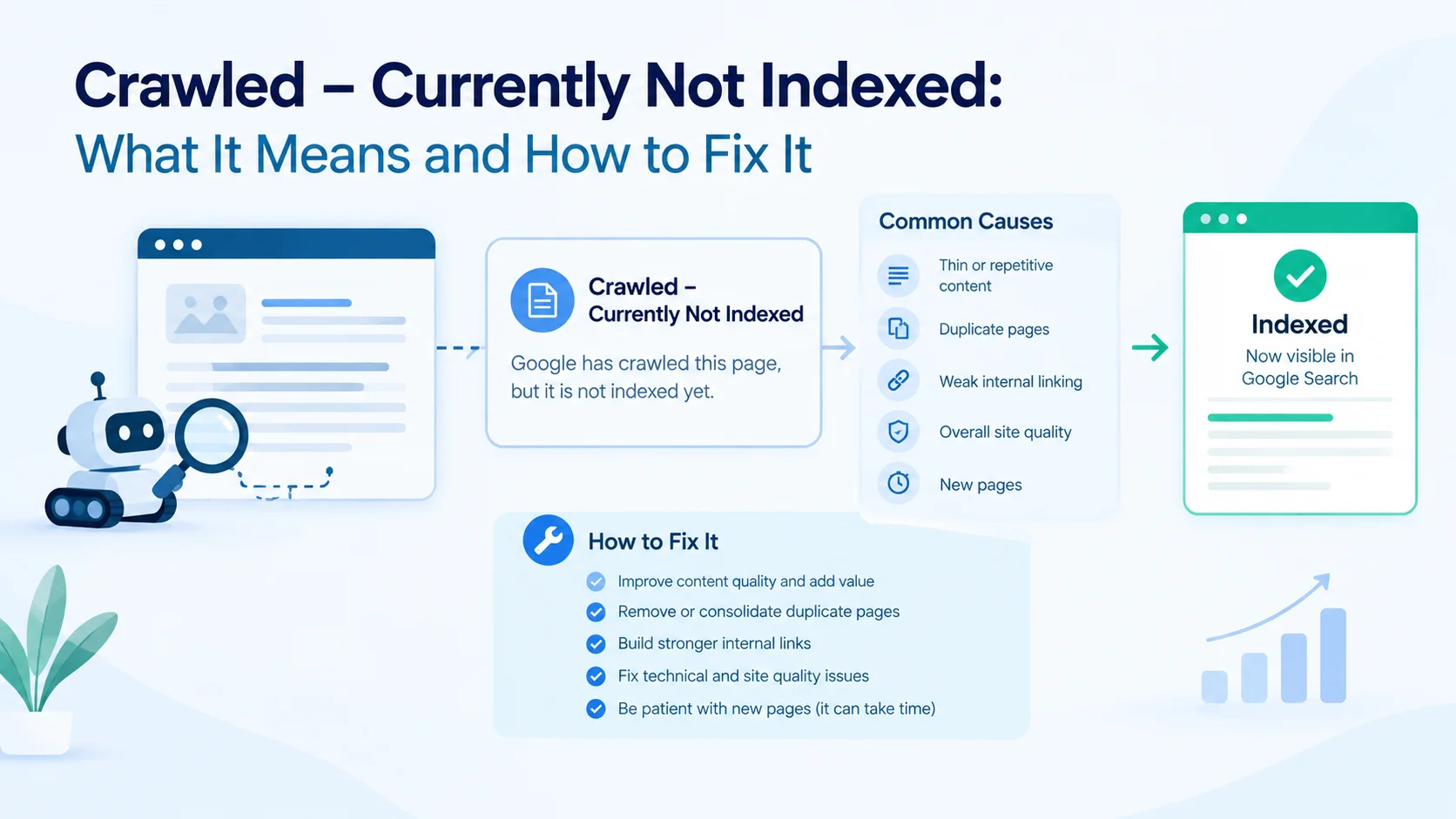
"Crawled – currently not indexed" is one of the most confusing statuses in Google Search Console. The page was fetched successfully, there is no error to fix, and yet it is not in the index. Nothing is technically broken — which is exactly why people get stuck.
Here is what the status really means, how it differs from the similar "Discovered" status, and what to do about it.
What the status means
Google Search Console reports it under Pages → Why pages aren't indexed. It means:
- Googlebot requested the page and received the content,
- Google has decided not to index it for now,
- it may be indexed later without you doing anything — or never.
In other words, it is not a technical error. It is a judgement about the page.
"Crawled" vs "Discovered – currently not indexed"
| Status | What happened | Usual cause |
|---|---|---|
| Discovered – currently not indexed | Google knows the URL but has not fetched it yet | Crawl capacity: too many low-value URLs, slow server, or a big site with thin pages |
| Crawled – currently not indexed | Google fetched the page and chose not to keep it | Quality, duplication or lack of demand for the content |
Both can affect a single page or thousands. On large sites, "Discovered" usually points to crawl budget problems, while "Crawled" points to content quality.
The five common causes
1. The content adds nothing new
If your page repeats what dozens of pages already say, Google has no reason to store another copy. This is the most frequent cause, and it applies to auto-generated pages, thin product variants and short posts written only to host a link.
2. Duplicate or near-duplicate pages
Several URLs with the same content — filtered listings, printer versions, tag archives, the same article posted on multiple domains — compete with each other. Google keeps one and leaves the rest crawled but unindexed.
3. The page looks orphaned or unimportant
Internal links are how you tell Google which of your pages matter. A page reachable only from a sitemap, with no links from your navigation or related articles, looks unimportant, and Google treats it that way.
4. The site's overall quality is holding it back
Indexing decisions are made with the whole site in mind. A site with thousands of thin pages gets less benefit of the doubt for a new page than a site with a solid track record.
5. It is simply too new
Fresh pages on new or rarely updated sites often sit in this status for days or weeks before Google revisits them. Sometimes patience really is the fix.
How to fix it, step by step
- Confirm the page deserves to be indexed. Read it as a visitor. Does it answer a question better than what already ranks? If not, improve it, merge it into a stronger page, or accept that it will not be indexed.
- Check for accidental duplication. Copy a distinctive sentence and search it in quotes. If other pages have the same text, rewrite it or point the canonical tag at the main version.
- Add internal links. Link to the page from two or three relevant pages that are already indexed, with descriptive anchor text. This is the most effective free fix.
- Make it easy to crawl. Keep the page in your sitemap, keep it a few clicks from the homepage, and make sure it loads quickly.
- Clean up low-value URLs. On bigger sites, removing or consolidating thin pages helps the pages you care about get crawled and kept.
- Request indexing once. Use URL Inspection in Search Console for the page. Once is enough; repeating it does not add weight.
- Re-check after two to four weeks. Indexing decisions are revisited. If the page is still unindexed after real improvements, the content is probably the issue.
When the page is not yours
This is the situation most link builders are in. You cannot edit a guest post, add internal links on someone else's blog or use their Search Console. Your options are narrower:
- Make sure the URL has been found at all. A page that was never crawled cannot be judged. Sending the URL for crawling removes that variable.
- Check the page for blockers —
noindex, robots.txt rules, a canonical tag pointing elsewhere — before spending anything on it. - Ask for a replacement. If a placement stays unindexed for weeks and the page is thin, a good seller will swap it.
- Track it per link. Without a per-URL report you will keep buying links you cannot evaluate. Our campaign reports mark each link as indexed or not indexed with the reason we received, and you can export the whole list.
What will not fix it
- Submitting the URL dozens of times. The status is a decision, not a missed message.
- Mass pinging. These signals are ignored today.
- Adding more backlinks to a thin page. Links can raise crawl interest, but a page with nothing to say usually stays out.
The short version
"Crawled – currently not indexed" means Google saw the page and was not convinced. Fix the reason — thin content, duplication, weak internal linking or a site-wide quality problem — and the status often resolves on its own. For pages you do not control, make sure they are crawled, check for blockers, and measure the result per link instead of hoping.
Related reading: why Google is not indexing your backlinks and how to index backlinks fast.